Do you have IPv6 at home? Test it in one minute, and turn it on if it's off
Open a single page to find out whether your home internet has IPv6. If it doesn't, here's how to switch it on in your router and what to ask your provider.
Mekanode ekibi
· 2 dk okuma
We've covered what IPv6 is and why it's great. Now for the fun part: do you have it? You don't need to install anything to find out.
Step 1: Open a test page
On your phone or computer, open one of these sites:
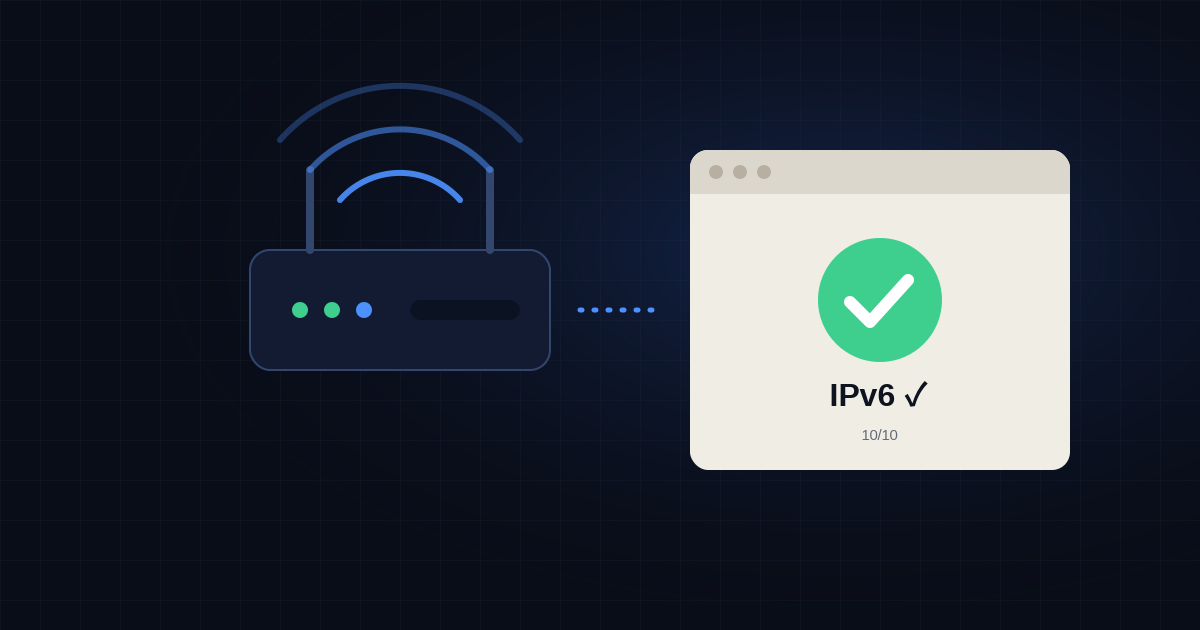
- test-ipv6.com: the well-known IPv6 test, which scores your connection out of 10.
- ipv6-test.com: shows your IPv4 and IPv6 addresses side by side.
Give the page a few seconds to run its checks.
Run the test on your home Wi-Fi and on mobile data separately. Many mobile networks already give out IPv6, so the results may differ.
Step 2: Read the result
| What you see | What it means |
|---|---|
| 10/10 and an IPv6 address | Congratulations, you're on IPv6. Nothing else to do. |
| 0/10 or "no IPv6 address" | Your connection has no IPv6, or it's switched off. See the steps below. |
| A score in between | IPv6 is there but a setting is missing (usually DNS). Restart your router and test again. |
An IPv6 address starts with groups of letters and numbers like 2a02:... or 2001:.... An IPv4 address is four numbers with dots, such as 85.100.10.20.
Step 3: No IPv6? Try switching it on
Check your router settings
- Open your router's settings page in a browser. The address is usually printed on a sticker on the router, often
192.168.1.1or192.168.0.1. - Log in with the username and password on the sticker.
- Look for an IPv6 setting under Internet, WAN, Network or Advanced.
- If it's off, switch it on. If there's a choice, pick Dual Stack (IPv4 + IPv6). Save, and restart the router.
- Run the test again.
Only change the IPv6 setting in your router. Leave other settings you're unsure about alone, or you may lose your internet connection.
Still nothing? Ask your provider
Some providers switch IPv6 on for everyone automatically; others do it on request. Just ask customer service:
"Does my line support IPv6 (dual stack)? If not, can you enable it?"
If the answer is no, don't worry. IPv6 is switched on in more places every year, and your turn will come.
Am I safe?
Yes. Turning on IPv6 doesn't throw your devices' doors wide open:
- Your router usually blocks incoming IPv6 connections by default, unless you started them.
- Your phone and computer browse with temporary addresses that change regularly on their own, which makes tracking you by address much harder.
No IPv6 at home? You can still use it
Even if your home internet doesn't offer IPv6, you can still enjoy it. Your own VPN on a Mekanode server lets you browse with the server's IPv6 address. Set it up in five minutes with our WireGuard or OpenVPN guides.
And try the test with your kids. "Our internet address is that long?!" is guaranteed.
Her sunucuda gerçek IPv6 /64, NAT IPv4 ve tam root erişimi. Aylık £2.49'dan başlayan fiyatlarla, yaklaşık bir dakikada hazır.