OpenVPN on a NAT VPS: your own VPN server in one command (openvpn-install)
OpenVPN runs on almost every device and network, and over TCP it even gets through restrictive ones. Set it up in five minutes with openvpn-install and one NAT port.
Mekanode ekibi
· 3 dk okuma
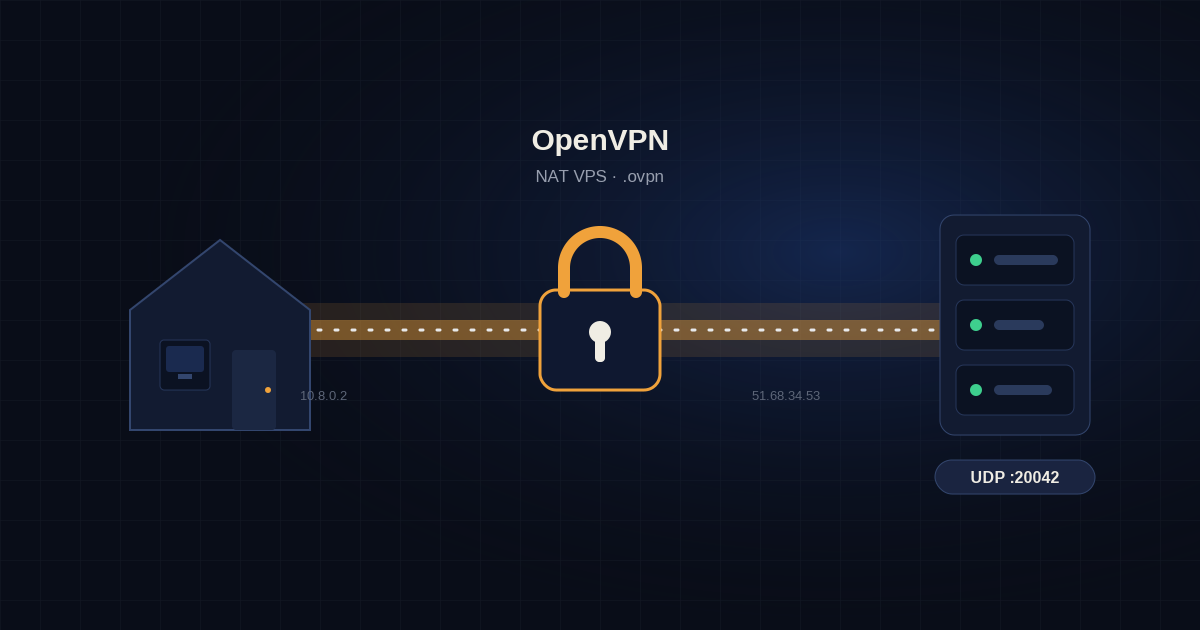
OpenVPN is a long-standing, solid VPN that works almost everywhere. Windows, macOS, Linux, Android, iOS and even some routers can open an OpenVPN file directly. Its biggest strength is flexibility: on hotel and office networks that block UDP, it can run over TCP instead.
In this guide we'll install OpenVPN on a NAT VPS with angristan/openvpn-install. The script takes care of certificates, firewall rules and client files for you.
Still deciding? WireGuard is faster and simpler; OpenVPN is more flexible. You can also run both on the same server on different ports. For WireGuard, see this guide.
Pick a port
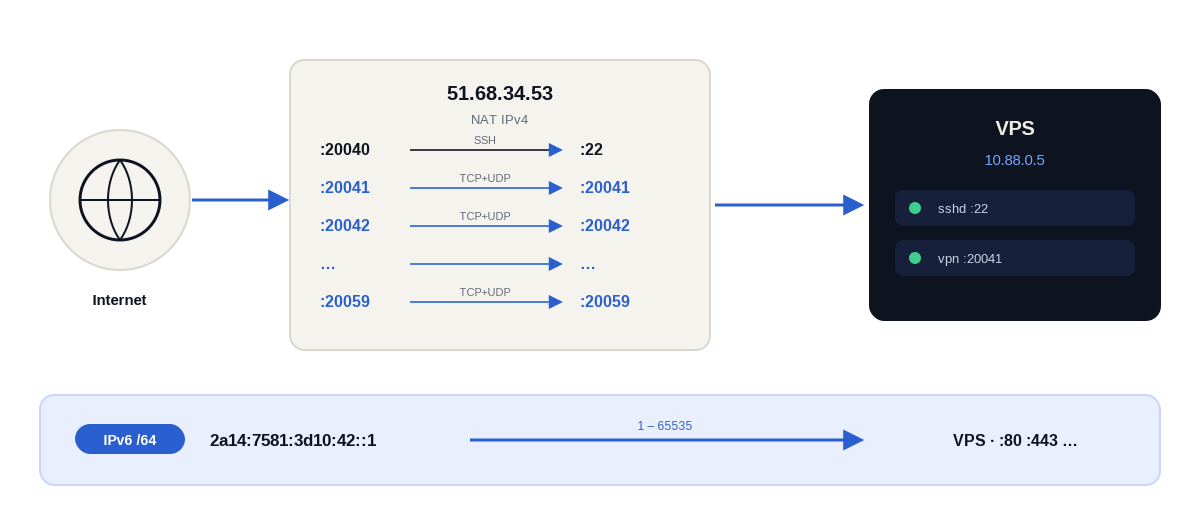
On NAT plans, the ports in your range open on your server under the same number: 20042 outside goes to 20042 inside, for both TCP and UDP. This guide uses:
- NAT IP:
51.68.34.53 - SSH port:
20040 - OpenVPN port:
20042(any port from your range)
Your own values are on the server page in your panel.
1. Download the script
ssh -p 20040 root@51.68.34.53curl -O https://raw.githubusercontent.com/angristan/openvpn-install/master/openvpn-install.sh
chmod +x openvpn-install.sh2. Install with one command
The script has a question-and-answer mode too. On NAT, though, two settings (the public IP and the port) have to be right, so the safest way is to give everything in one line:
./openvpn-install.sh install \
  --endpoint 51.68.34.53 \
  --port 20042 \
  --protocol udp \
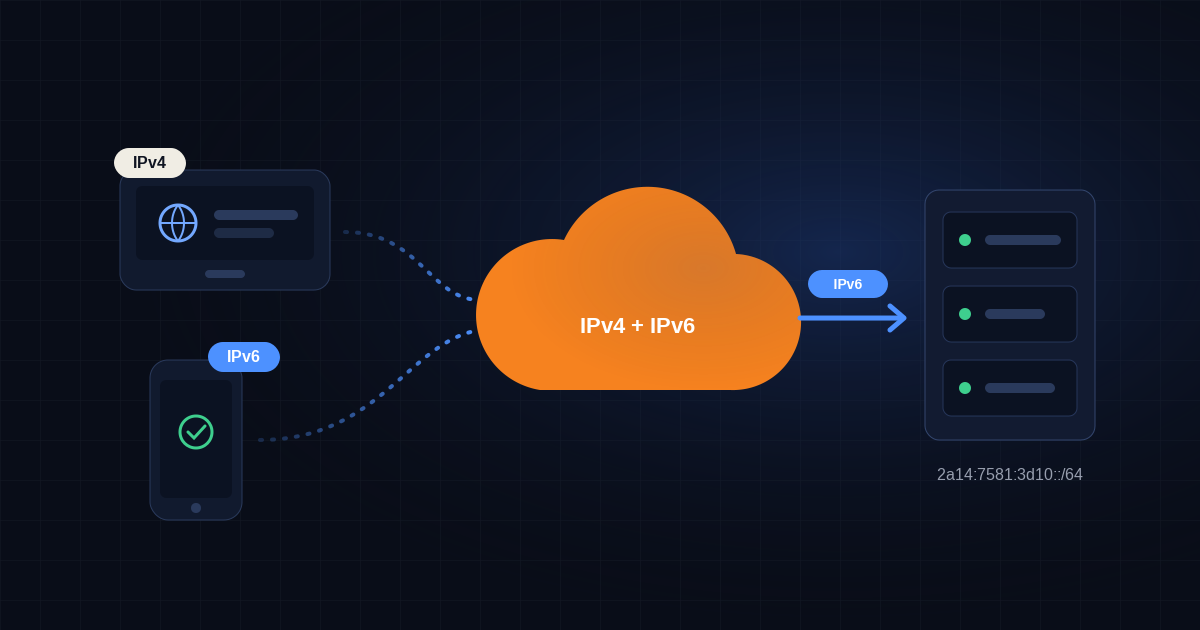
  --client-ipv6 \
  --client phone
What each option does:
--endpoint: the public address your devices connect to, i.e. your NAT IP. Without it the script tries to detect the address itself; stating it explicitly is more reliable.--port: one of your forwarded ports.--protocol udp: the fastest option. For networks that block UDP, see the TCP note below.--client-ipv6: gives connected devices IPv6 too, so you get IPv6 through the VPN even if your home network doesn't have it.--client phone: the name of your first device.
Installation takes a minute or two. At the end your device's config file is ready: /root/phone.ovpn.
If you prefer the interactive mode, run ./openvpn-install.sh interactive. The script notices the server is behind NAT and asks for its "public IPv4 address": enter your NAT IP there, and a port from your range when it asks for the port.
3. Copy it to your device
Download the file to your computer:
scp -P 20040 root@51.68.34.53:/root/phone.ovpn .- Phone: install OpenVPN Connect (App Store / Google Play). Send the file to your phone and open it in the app with Import Profile → File.
- Windows / macOS: drag and drop the file into OpenVPN Connect.
- Linux:
sudo openvpn --config phone.ovpn
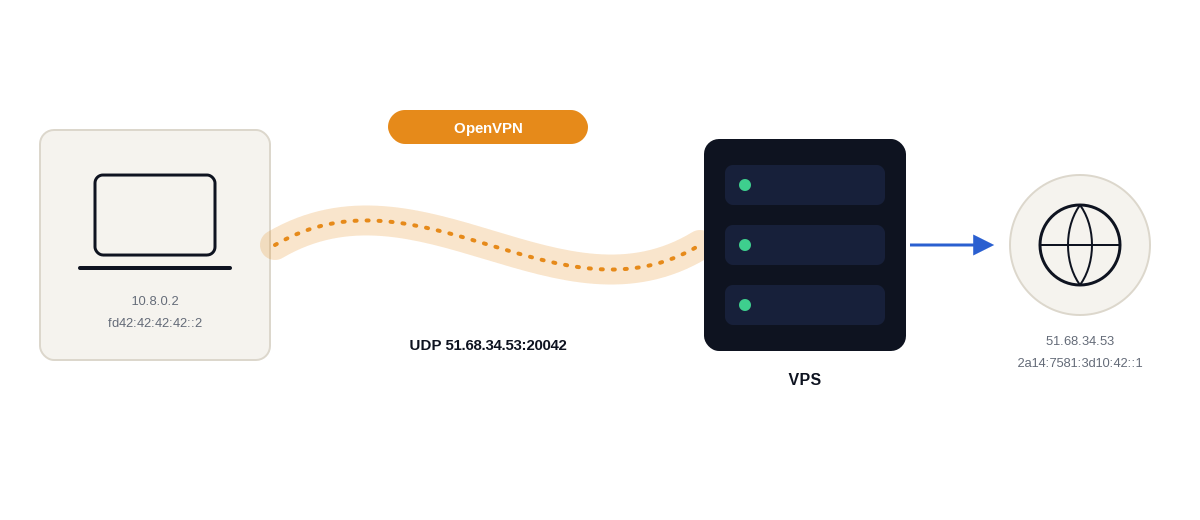
Once connected, visit a "what is my IP" site. You should see 51.68.34.53 as your IPv4 address and your server's address as your IPv6.
4. Add, list and remove devices
./openvpn-install.sh client add laptop      # new device → /root/laptop.ovpn
./openvpn-install.sh client list            # all devices
./openvpn-install.sh client revoke laptop   # cut access immediately
Give each device its own file. If one goes missing, you revoke just that one and everything else keeps working.
If UDP is blocked: install with TCP
Some hotel, school and office networks don't allow UDP. If you'll be connecting from one of those, install with TCP instead:
./openvpn-install.sh install --endpoint 51.68.34.53 --port 20043 --protocol tcp --client-ipv6 --client phoneTCP is a little slower but gets through almost anywhere. If you've already installed with UDP, remove it first with ./openvpn-install.sh uninstall, then reinstall.
Good to know
- Traffic quota: data through the VPN reaches the server once and leaves it once, so every 1 GB you download counts as roughly 2 GB. If the quota runs out, the server isn't switched off; speed is reduced until the end of the month.
- Security: the
.ovpnfile is the key to your VPN. Don't share it; if you lose it, revoke that device withclient revoke. - Rules: you're responsible for the traffic that leaves your VPN, and the rules in our terms of service apply here too.
Her sunucuda gerçek IPv6 /64, NAT IPv4 ve tam root erişimi. Aylık £2.49'dan başlayan fiyatlarla, yaklaşık bir dakikada hazır.